The command bar
One bar, Ctrl-K, and the terminal starts finishing your sentences: apps, run history, file paths and shell completions for around a thousand commands, and nothing runs until you press Enter.
Five things carry the AGony desktop, and each has its own page. The screenshots were taken from a real terminal on a real machine — what you see is the actual desktop, not an artist's impression.
One bar, Ctrl-K, and the terminal starts finishing your sentences: apps, run history, file paths and shell completions for around a thousand commands, and nothing runs until you press Enter.
Real windows with titlebars: drag to move, drag the bottom or right border to resize, minimize to taskbar buttons, maximize to fill the desktop. Close the desktop and the shells keep running.
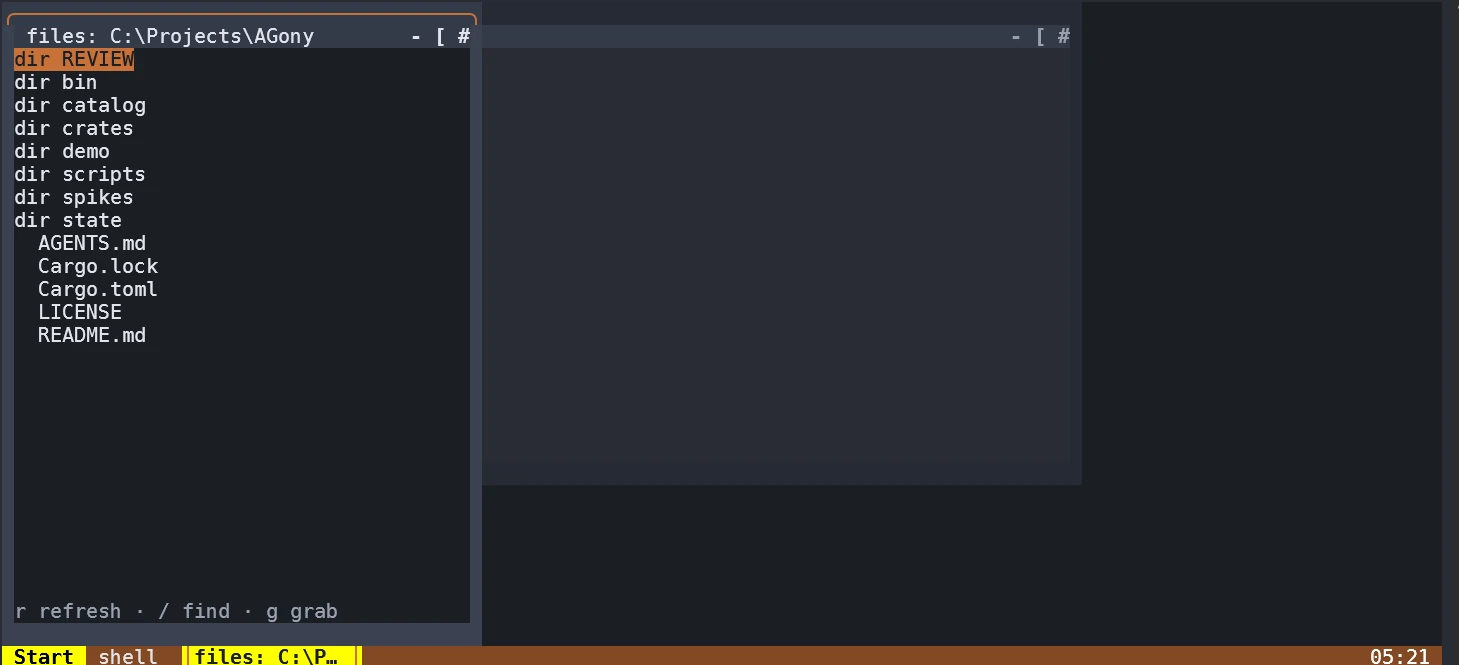
Four roots — SEARCH, FILE MANAGER, PROGRAMS, SETTINGS — a filter that ranks as you type, and an app directory that installs curated terminal apps through their own recipes.
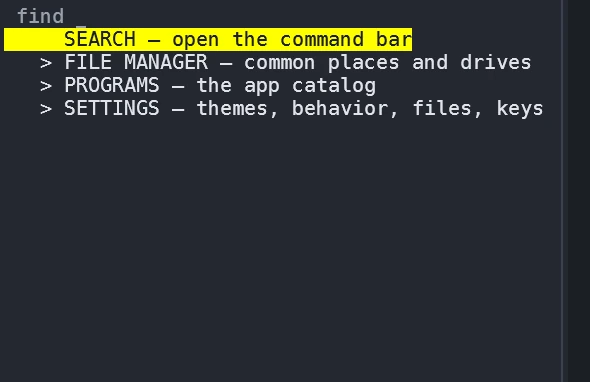
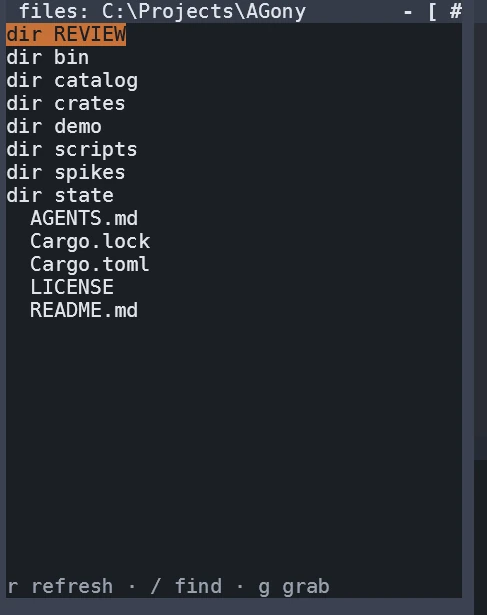
A gitignore-aware tree docked beside your shells, with fuzzy search, and a drag-and-drop paste menu that shows the exact text a dropped path will insert.
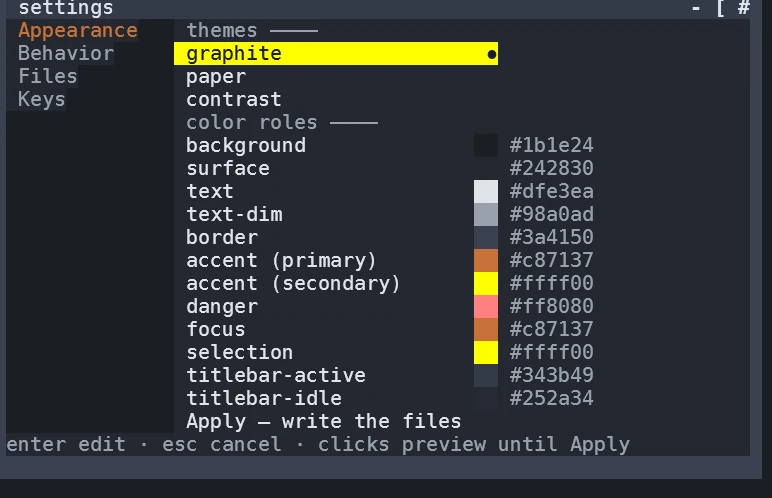
Three built-in themes with per-role recoloring that refuses low-contrast picks, live preview until Apply, key rebinding with collision checks, and an ASCII mode for terminals without the icon font.
Smaller pleasures round it out: a first-run welcome that names the three things to try, a THANK-YOU.md that lands on the desktop crediting every dependency, a taskbar clock, desktop tiles for pinned apps and documents, and a doctor command that reports the environment without ever touching it.
Ready to try it on your machine? The download page has the archive and the two free prerequisites.