Import and Index

Import and Index

Every project carries a library. Drop your sources in — reports, papers, interviews, world notes, the previous book — and AGIT indexes them on your own machine so the whole pile becomes searchable in plain language.

Two kinds of search ride on that index: the exact kind, for when you remember the phrase, and the meaning kind, for when all you remember is the idea. Both run against files on your disk. Neither uploads a page.

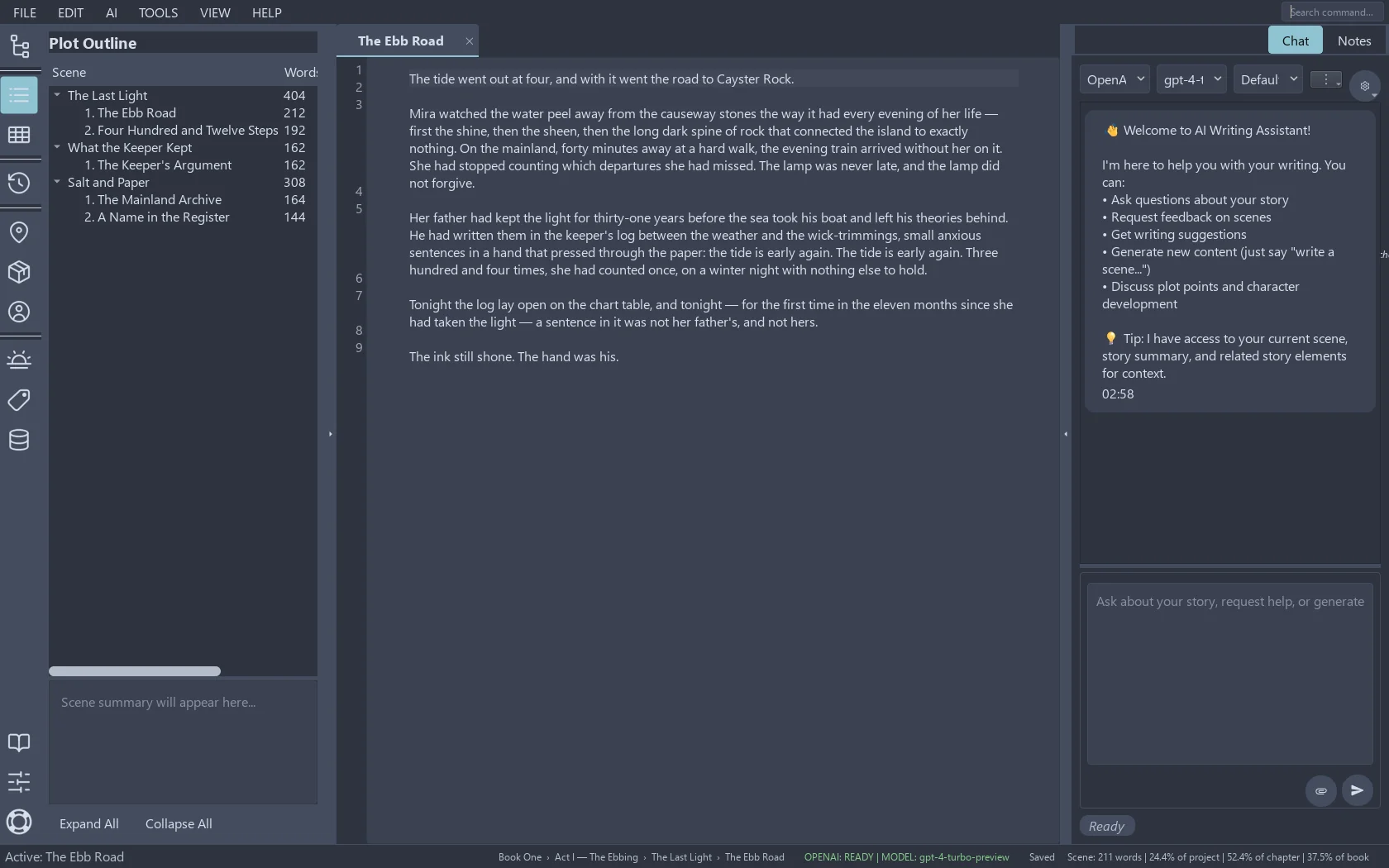
AGIT's outline panel showing a structured project tree beside the manuscript
The indexed project: sources, notes and draft in one tree.

What comes in

The formats at the door

  • Documents: DOCX, PDF, RTF, plain text and Markdown, with structure kept where the file has it.
  • Books: EPUB, for the research that ships as a book.
  • Scans and images: OCR reads the text out of screenshots and scans, locally, so the receipt from 2019 joins the searchable pile.
  • Notes: your existing text notes import as first-class documents, not attachments.

The point of the wide door is that your old material stops being dead weight. A folder of old PDFs becomes a source you can quote; last year's meeting notes become the answer to "what did we decide about the sequel?".

What the index actually is

In plain words

Under the hood it is a vector index — the technology behind modern search — but the practical version is simpler: the index stores what your documents mean, not just what they say. Searching for "the harbour confrontation" can find the scene where the fight at the docks happens, even if neither the word "harbour" nor "confrontation" appears in it.

Because the index is project-scoped, the same word in two projects never crosses streams: your pirate novel's "anchor" and your memoir's "anchor" live in different worlds, exactly like they should.

In local words

The index lives next to the project, in the same folder you can back up and move. Indexing runs on your machine — no account, no upload, no "processing may take up to 30 days". Delete a document and its indexed traces go with it.

When you do connect a cloud AI, the chat can use the index to ground its answers in your sources — the retrieval happens locally, and what gets sent is the passage it found, under the provider settings you chose. That choice is always yours, and off is a valid setting.

Where material goes next