
Research

Research with a local index

Research is where most writing software stops and AGIT keeps going. Every project can carry its own library: documents and scans imported, indexed on your own machine, searchable in a heartbeat, computable in Python, chartable, and — when you want it — connected to external tools through open protocols.

Novelists use it for the lore archive. Essayists use it for sources. Worldbuilders use it for the invented history of a country that does not exist. The pattern is the same: your material, indexed locally, working for the draft.
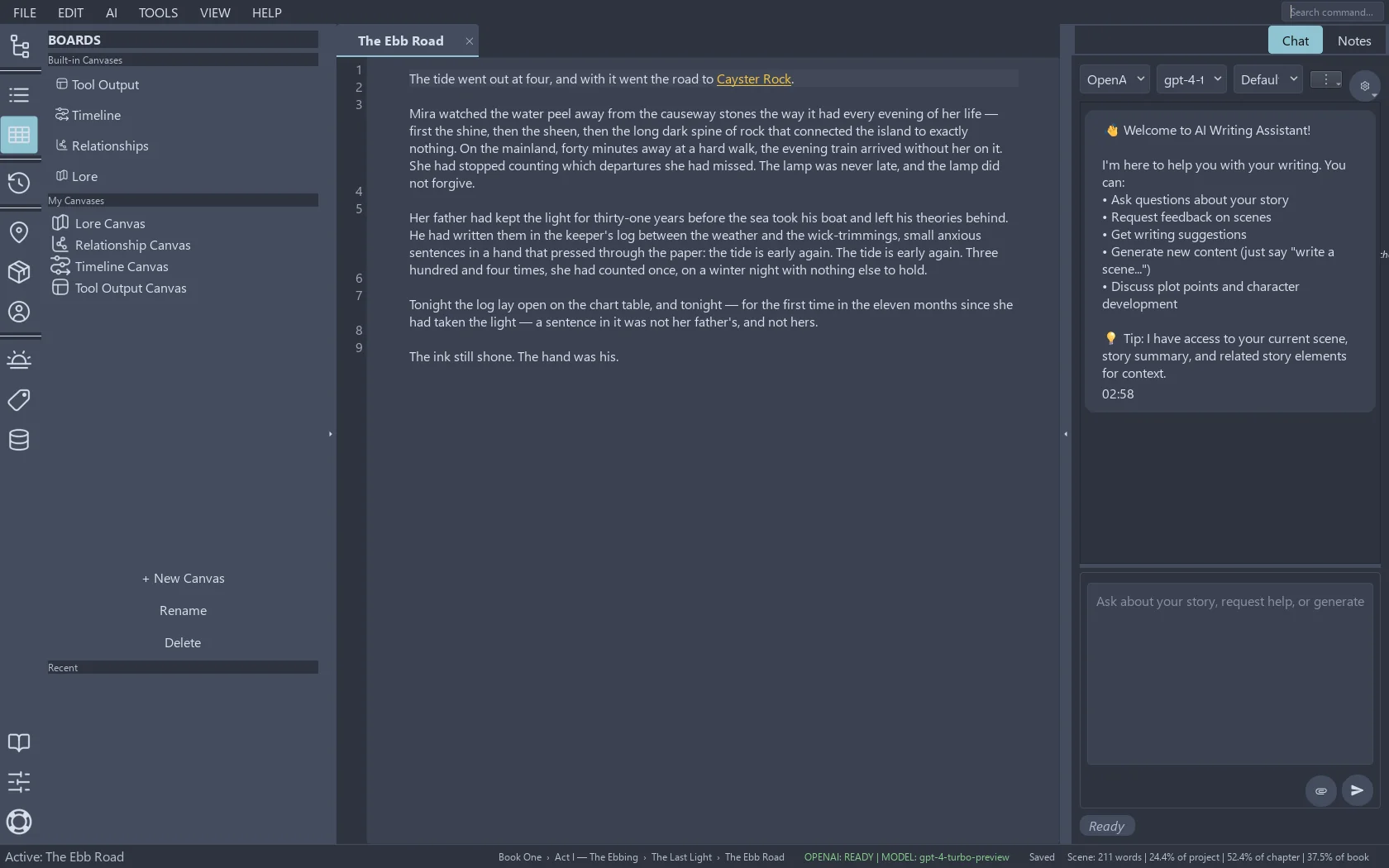
AGIT's boards panel listing canvases for timeline, relationships, lore and tool output
Boards: the canvases where research becomes something you can point at.

Four workflows, four pages

Import and index — the library that reads itself

Bring in DOCX, PDF, EPUB, RTF, Markdown and plain text. Feed scans and screenshots through OCR. Everything lands in a local index that searches by meaning, not just keywords, and never uploads a page anywhere. Import and index, in depth.

Compute and chart — ask your data questions

Count, tabulate, chart. AGIT runs Python on your machine, over your data, and lands the output in a dedicated canvas — text statistics today, whatever your sources suggest tomorrow. There is a live demo on the page that runs in your browser. Compute and chart, in depth.

MCP and external tools — a door, not a drain

The Model Context Protocol lets AGIT hand clearly-scoped jobs to outside helpers — a file index, a git history, a translation service you run yourself. You approve what connects; the tools cannot approve themselves. MCP and external tools, in depth.

Automation — the chores, scripted

Renaming, tagging, formatting, exporting: the jobs you do every chapter are the jobs a script should do every chapter. AGIT's skill system runs Python recipes against your project, with the boring parts fenced and reviewable. Automation, in depth.

The standing rule

Your sources stay on your disk

The index, the computations and the charts all run locally. Nothing in the research pipeline requires an account, a subscription or an upload — the only network step is the one you add yourself, when you configure cloud AI or an external tool, and you can see every one of those in Settings before it happens.